
Importing and Exporting Restaurant Menus with CSV in WordPress
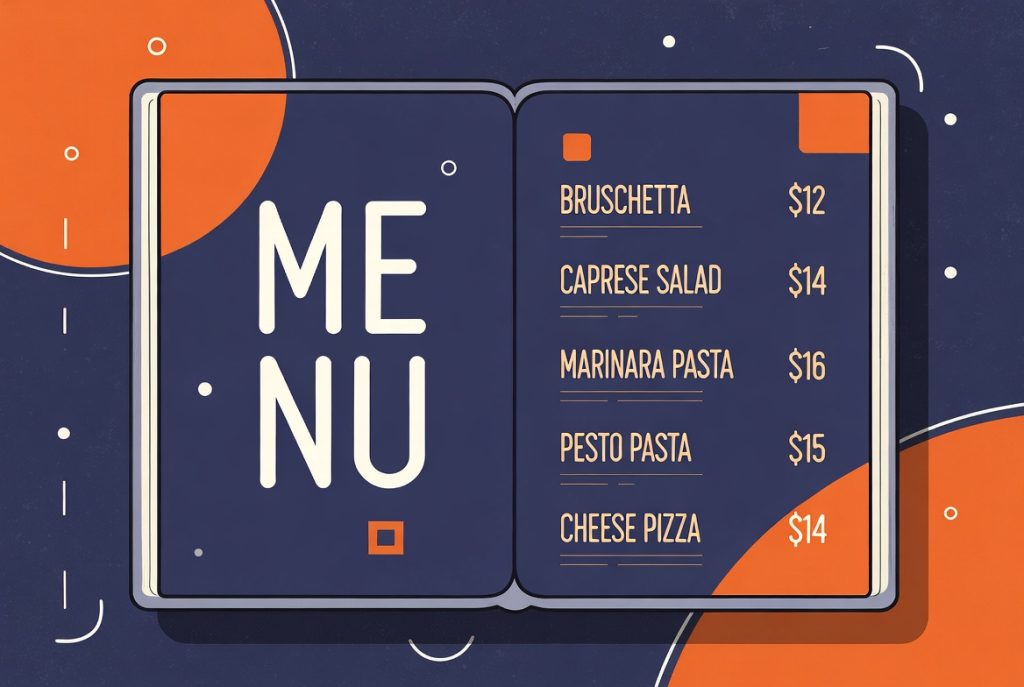
One of the most painful parts of managing a restaurant menu on a website is keeping the online version in sync with what is actually happening in the kitchen.
Prices change. Seasonal items come and go. New dishes get added. Doing this manually through the WordPress admin for 40 or 50 menu items gets old fast.
CSV Import and Export Changes the Game
RSM Menu includes solid CSV import and export functionality on the Pro plan. This lets you work with your menu data in a spreadsheet instead of clicking through dozens of individual menu item screens.
You can export your current menu, make bulk changes in Excel or Google Sheets, and import the updated file back into WordPress. New items get created, existing items get updated, and your menu stays consistent.
Handles Both Simple and Complex Menus
The importer understands both legacy single-price menus and the more powerful variation-aware format that RSM Menu uses.
If you are coming from another menu plugin or even a basic spreadsheet your client has been maintaining, you can bring that data in without starting from scratch.
Variation columns are supported, so you can import dishes that have Regular, Gluten Free, and Catering prices all in one row.
Real-World Time Savings
Imagine your client sends you an updated menu spreadsheet every month during busy season. Instead of spending an hour or two manually updating the website, you can clean up the spreadsheet and import it in minutes.
This is the kind of practical feature that makes clients happy because changes actually get made instead of getting delayed or deprioritized.
If you build or maintain websites for restaurants, having reliable CSV tools for the menu is one of those behind-the-scenes features that dramatically improves your quality of life.