
Using Context Filtering to Create Gluten-Free, Catering, and Regular Menus from One Dataset
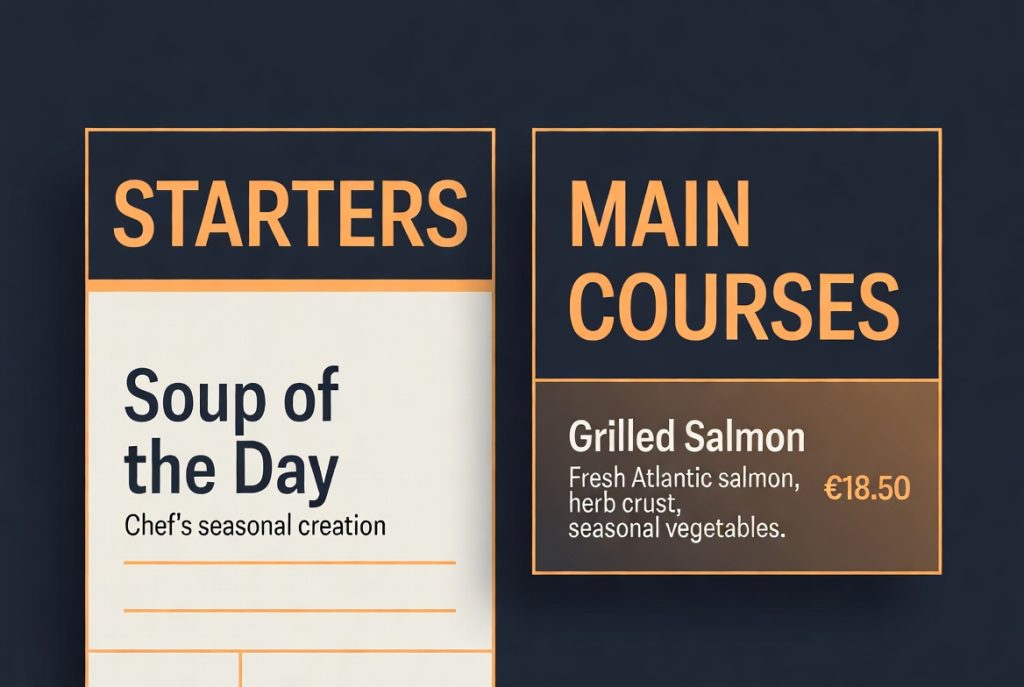
Many restaurants need to present different versions of their menu depending on the audience or occasion. A gluten-free menu, a catering menu, a kids menu, or a happy hour menu often overlap with the main menu but require different pricing or item visibility.
Traditionally this meant maintaining multiple separate menus or using complicated workarounds.
One Dataset, Multiple Views
RSM Menu’s context system lets you tag pricing variations (and by extension items) with context values like gluten-free, catering, regular, or happy-hour.
You then create saved menu displays or shortcodes that filter to only show the relevant variations for that context. Universal variations (those without a specific context) appear in every view.
Practical Example
Imagine a dish like “Blackened Tuna”.
- Regular price: $28 – context: regular
- Gluten-free price: $29 – context: gluten-free
- Catering half-tray: $95 – context: catering
- Catering full-tray: $175 – context: catering
With one menu item and smart context tagging, you can generate a clean gluten-free menu page and a professional catering menu page without duplicating the dish or its description and photo.
Maintenance Becomes Much Easier
When the chef updates the description or you need to change the photo, you only edit one place. All filtered views automatically stay in sync.
This approach scales cleanly whether you have 20 menu items or 80, and it dramatically reduces the chance of inconsistencies between different menu versions.