
How to Style Your Restaurant Menu Without Writing Custom CSS
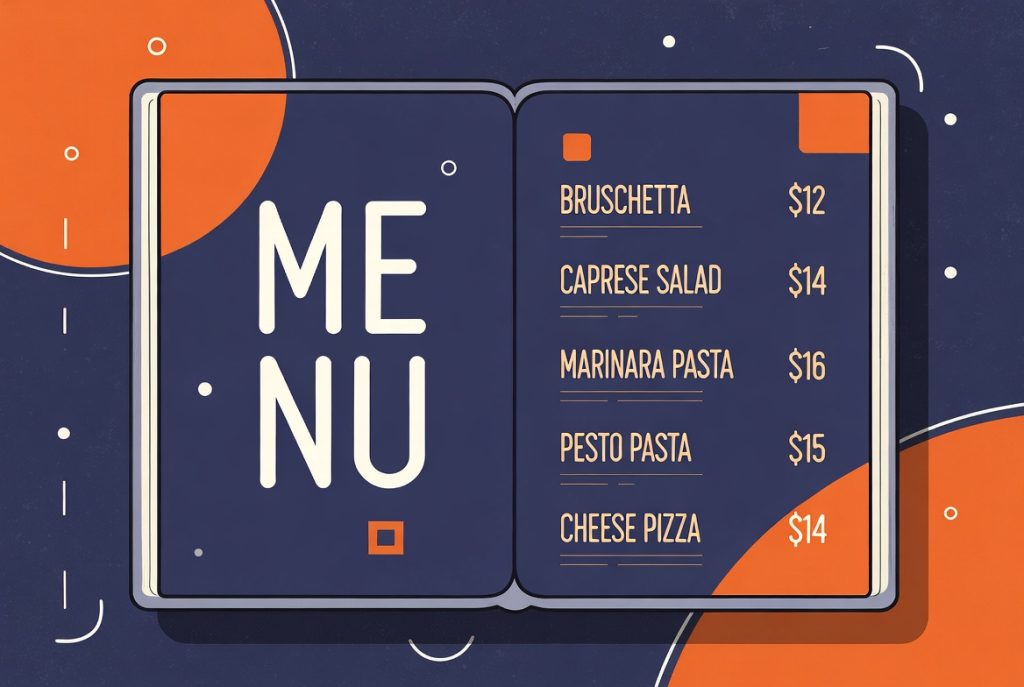
Most restaurant owners want their online menu to match their brand and printed menus. But asking them to write custom CSS or hire a developer for every little style change is not realistic.
Appearance Controls Built for Non-Developers
RSM Menu includes extensive appearance settings that let you control colors, typography, spacing, heading styles, and more — all from the admin interface without touching code.
You can set global defaults for the entire menu, then override specific things on individual saved shortcodes when needed. This gives you both consistency and flexibility.
Inverted Bar Headings and Other Restaurant-Friendly Styles
One of the standout options is the inverted bar heading style. This creates those bold, colored section headers that are common on printed restaurant menus. It looks professional and familiar to diners without requiring any design work from you.
You also get control over item name weight, description color, price color, divider lines, and grid card backgrounds. Most of the common visual adjustments restaurant sites need are covered.
Responsive and Readable by Default
The default styles are designed to look good on mobile as well as desktop. Since restaurant menus are often viewed on phones while people are deciding where to eat, this matters more than many developers initially realize.
The goal is to reduce the amount of custom styling work while still giving you enough control to make the menu feel like it belongs on the site.