
Combining Native Events with External iCal Feeds in WordPress
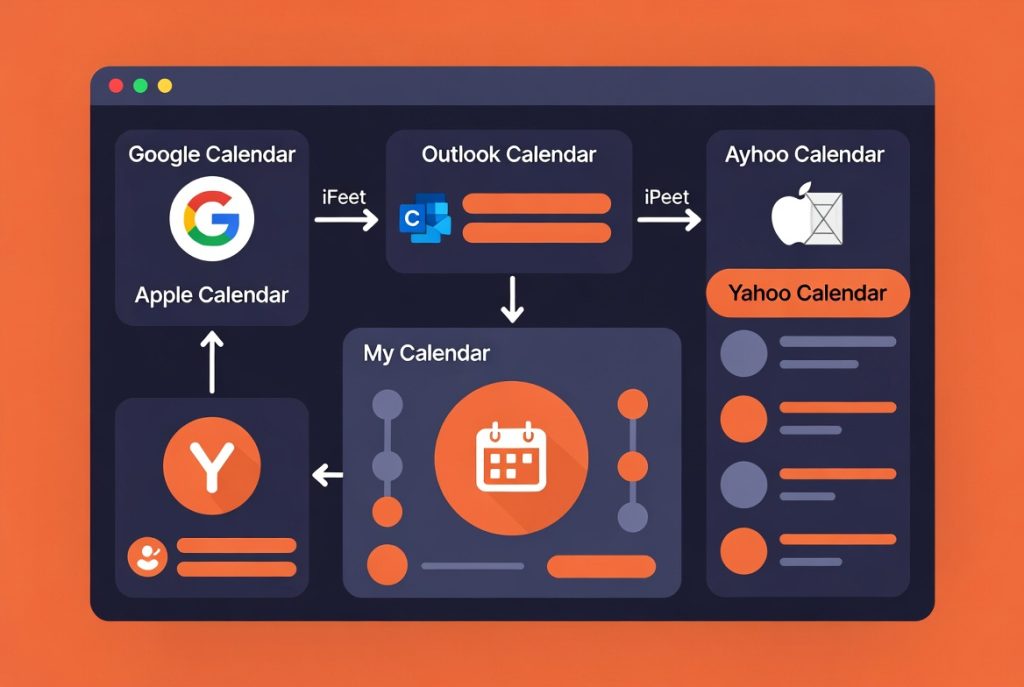
Many organizations need to show both events they manage directly and events pulled from other calendars (Google Calendar, Outlook, ticketing platforms, etc.).
Most calendar plugins force you to choose one or the other. RSM Calendar lets you do both in the same display.
Mix Internal and External Events
You can create native events inside WordPress for things you control directly, while also connecting external iCal feeds for events managed elsewhere.
Both types of events appear together in your calendar views, filtered and styled consistently. Visitors see one unified calendar instead of having to check multiple sources.
Useful for Chambers, Venues, and Multi-Location Businesses
This capability is especially valuable for chambers of commerce, event venues, music venues, or businesses with multiple locations that each maintain their own calendars.
You can pull in the external calendars automatically while still having full control over featured or highlighted events that you manage in WordPress.
Recurring Events on Pro
On the Pro plan, you also get support for recurring events using RRULE. This makes it much easier to handle weekly live music nights, monthly workshops, or regular happy hours without creating dozens of individual event posts.
The combination of native events, external feeds, and recurring support covers most real-world calendar needs without requiring multiple plugins.