
Print-Ready Documentation in WordPress
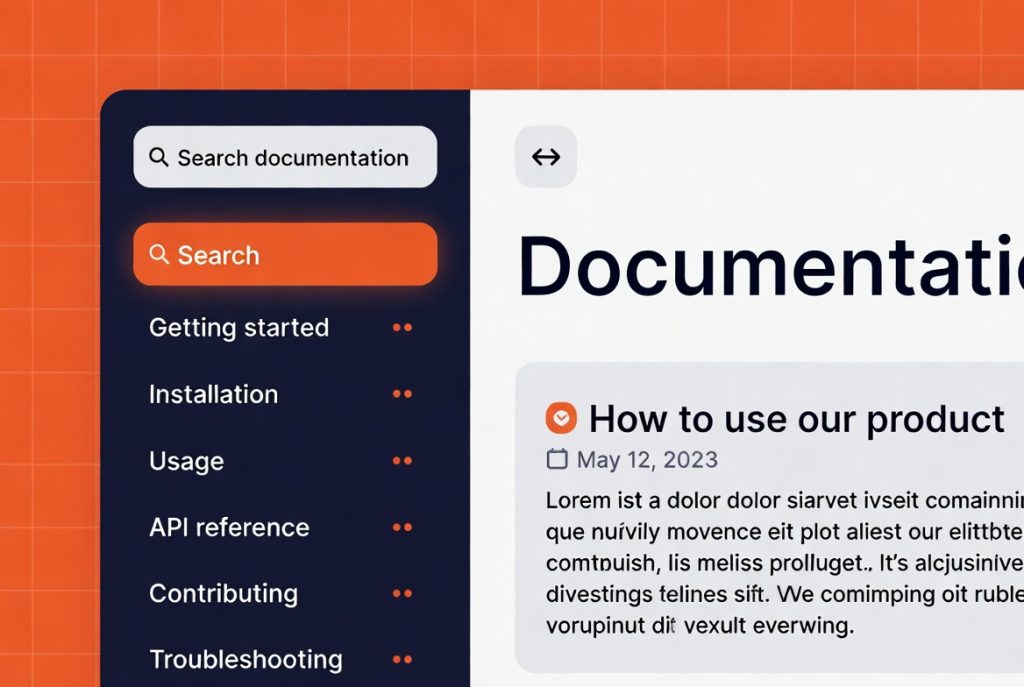
Many people still want to print documentation — whether for offline reference, client handoff, or internal use. Most WordPress documentation solutions look terrible when printed.
Thoughtful Print Defaults
RSM Documentation includes print styling that produces clean, readable output by default. On the Pro plan you can add custom print headers and footers and offer a “print content only” button that hides navigation and sidebars.
This makes it easy for visitors to get a professional printed version without extra work from you.
Useful for Client Deliverables and Internal Use
Agencies and consultants often need to provide documentation as part of project handoff. Having print-ready output built in saves time and produces better results than generic browser printing.
Internal teams also appreciate being able to print runbooks or procedures cleanly.
Reduces Friction for Users
When documentation is easy to print and still looks good on paper, people are more likely to actually use it. This small detail improves the overall usefulness of the documentation you publish.